n8n on OpenShift: Workflow Automation That Talks to Your Models
n8n is good at workflow automation. But when your workflows touch internal models and sensitive data, you need it on the same cluster. Here's how to deploy n8n on OpenShift and wire it into vLLM and OpenShift AI.
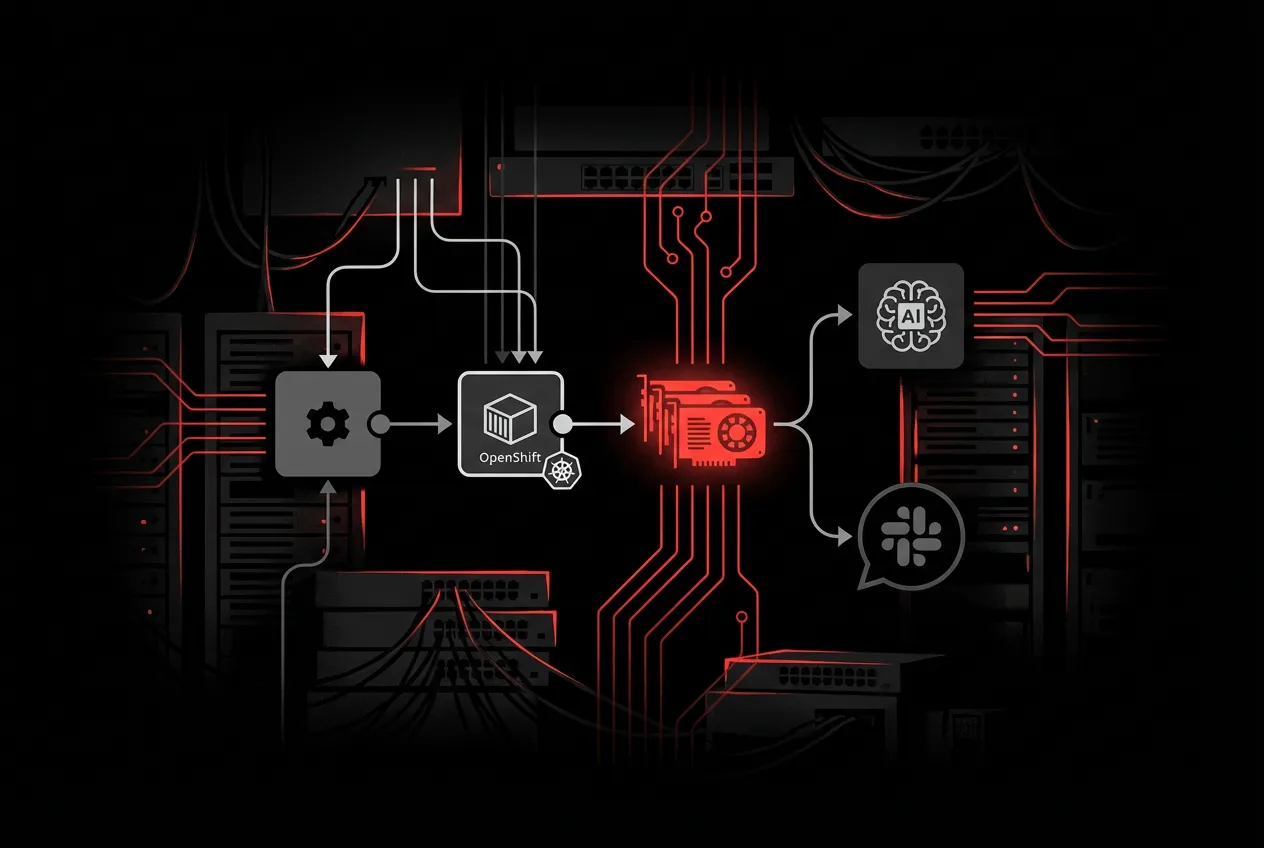
n8n is a workflow automation tool. You drag nodes onto a canvas, wire them together, and things happen: an email arrives, data gets transformed, an API gets called, a message lands in Slack. It’s self-hostable, which matters if your workflows touch internal systems or sensitive data.
I’ve been using it for a few weeks. It’s good at the thing it does. But there’s a gap that became obvious once I started building AI-related workflows.
The problem with n8n on its own
n8n has built-in AI nodes. You can connect to OpenAI, Anthropic, or any OpenAI-compatible endpoint. For simple tasks (summarize this email, classify this ticket), that works.
Where it gets uncomfortable is when you care about where your data goes.
If you’re calling a hosted API, your data leaves your network. Every support ticket you classify, every document you summarize, every customer interaction you analyze goes over the public internet to someone else’s infrastructure. For a personal project, that’s fine. For a company with compliance requirements, it’s a conversation with legal that nobody wants to have.
You can self-host models. Run vLLM on a VM somewhere, point n8n at it. But now you’re managing two separate pieces of infrastructure that need to find each other. You’re setting up networking between them, managing TLS certificates, figuring out firewall rules, and hoping the VM with the GPU doesn’t run out of disk at 2am.
n8n also doesn’t know anything about your models. If the model endpoint goes down, n8n’s workflow fails with a generic HTTP error. No health checking, no automatic failover to a different model. You build all of that yourself.
What changes on OpenShift
Running n8n on OpenShift solves the infrastructure problem, but not in the way you might expect. The interesting part isn’t that OpenShift can run containers (so can anything). It’s what’s already running on the cluster.
If your organization uses OpenShift AI, you already have KServe and vLLM serving models. Granite, Llama, Mistral, whatever your team picked. Those models expose OpenAI-compatible /v1/chat/completions endpoints on internal Service URLs. n8n calls them over the cluster network. No data leaves the cluster. No ingress, no public exposure, no separate API gateway.
GPU scheduling is handled for you. The NVIDIA GPU Operator or AMD ROCm support manages time-slicing and MIG partitioning. Model inference pods request GPU resources the same way any pod requests CPU or memory. n8n doesn’t touch GPUs; it calls an HTTP endpoint. But having both on the same cluster means lower latency and zero egress costs.
Namespace isolation comes by default. Your n8n instance can reach your model serving endpoints but not someone else’s. On vanilla Kubernetes, you’d set that up yourself.
TLS is automatic. The Route gets a valid certificate from the cluster’s wildcard cert. Service-to-service traffic uses the internal CA. Nothing to configure.
The short version: n8n gets model access, network security, and TLS without any extra work because the platform already provides those things.
Deploying n8n on OpenShift
I used Kustomize with a base/overlay split. The base has portable Kubernetes resources (Deployment, Service, PVC, ConfigMap). The OpenShift overlay adds a TLS Route and patches in the security context.
Here’s the Deployment:
apiVersion: apps/v1
kind: Deployment
metadata:
  name: n8n
spec:
  replicas: 1
  strategy:
    type: Recreate
  template:
    spec:
      securityContext:
        runAsNonRoot: true
        fsGroup: 1000780000
        seccompProfile:
          type: RuntimeDefault
      containers:
        - name: n8n
          image: docker.n8n.io/n8nio/n8n:latest
          ports:
            - containerPort: 5678
          envFrom:
            - configMapRef:
                name: n8n-config
          resources:
            requests:
              memory: 256Mi
              cpu: 100m
            limits:
              memory: 512Mi
              cpu: 500m
          readinessProbe:
            httpGet:
              path: /healthz
              port: 5678
            initialDelaySeconds: 15
          livenessProbe:
            httpGet:
              path: /healthz
              port: 5678
            initialDelaySeconds: 30
          securityContext:
            allowPrivilegeEscalation: false
            capabilities:
              drop:
                - ALL
          volumeMounts:
            - name: data
              mountPath: /home/node
      volumes:
        - name: data
          persistentVolumeClaim:
            claimName: n8n-data
The full manifests are in the n8n-openshift repo under base/ and overlays/openshift/.
Three things tripped me up during testing, all related to OpenShift’s security model.
n8n tried to write to /.n8n because OpenShift assigns random UIDs with no home directory. Fix: set N8N_USER_FOLDER=/home/node in the ConfigMap. Then the PVC mount at /home/node/.n8n failed because the random UID couldn’t create the directory inside a root-owned parent. Fix: mount the PVC at /home/node and let n8n create .n8n inside the writable volume. Finally, the PVC itself was root-owned with 755 permissions. Fix: add fsGroup from the namespace’s supplemental groups range so OpenShift makes the volume group-writable at mount time.
After those three changes, n8n v2.7.5 booted and the health endpoint returned 200 through the Route.
Connecting to vLLM
If you have vLLM running on the same cluster, whether standalone or through OpenShift AI, connecting is straightforward. The model exposes an OpenAI-compatible API. n8n calls it.
I tested with a LiteLLM proxy fronting a DeepSeek R1 model. The curl worked:
curl -X POST https://litellm-proxy.apps.example.com/v1/chat/completions \
  -H "Authorization: Bearer $API_KEY" \
  -H "Content-Type: application/json" \
  -d '{
    "model": "DeepSeek-R1-Distill-Qwen-14B-W4A16",
    "messages": [{"role": "user", "content": "Hello"}]
  }'
But n8n’s built-in OpenAI node returned a 404 with the same model name and endpoint. n8n’s OpenAI node does its own request construction internally, and it doesn’t always agree with proxies that aren’t literally OpenAI.
I stopped debugging the node and used an HTTP Request node instead:
- Method: POST
- URL:
https://your-vllm-or-litellm-endpoint/v1/chat/completions - Authentication: Header Auth with
Authorization: Bearer <key> - Body: raw JSON with model name and messages
This mirrors the curl exactly. You lose n8n’s AI-specific node features (message history, agent loops), but you control what gets sent. For most automation, an HTTP Request node that does what you expect beats an AI node that quietly rewrites your request.
What you can build with this
Once n8n and your models share a cluster, a category of automation opens up that normally requires writing a custom Python service, standing up a queue, and maintaining a deployment pipeline for glue code.
A webhook fires when a support ticket lands. n8n extracts the text, sends it to a Llama model for classification, routes the ticket to the right team, posts a summary to Slack. Every step is visible on the canvas. The whole thing is maybe 8 nodes.
If you’re running a vector database (Milvus, Qdrant, pgvector) on the same cluster, n8n can run a full RAG loop: receive a question, query the vector store, format the context, call the model, return the answer. All traffic stays internal.
There’s the operational stuff too. Schedule a workflow to send test prompts to your models and check the responses. Compare outputs across model versions. Log the results. Too small for a dedicated MLOps platform, too important to skip.
If you’re running Llama Stack on OpenShift through the Llama Stack operator (part of OpenShift AI), it exposes REST APIs for inference, safety, memory, and agent orchestration. n8n calls these the same way it calls vLLM. Check inputs through the safety API before they reach the model. Maintain conversation context across workflow runs through the memory API. Let the agent API handle multi-turn tool-calling loops while n8n triggers and routes around it. Red Hat’s build of Llama Stack ships as an operator, so you get the same lifecycle management (upgrades, health monitoring, CRD-based config) as everything else on the cluster.
With LiteLLM as a proxy (which OpenShift AI uses for model routing), n8n can target different models for different tasks in the same workflow. Classification goes to a small, fast model. Summarization to a larger one. Code generation to something else. Each is a different model value in the request body.
The stack
From bottom to top:
OpenShift cluster
  |
  +-- GPU nodes with NVIDIA Operator
  |     |
  |     +-- vLLM / KServe InferenceService (your models)
  |     +-- Llama Stack operator (optional, for safety/memory/agents)
  |
  +-- CPU nodes
        |
        +-- n8n (this deployment)
        +-- LiteLLM proxy (model routing, optional)
        +-- Vector DB (RAG, optional)
        +-- PostgreSQL (n8n backend, for multi-replica)
n8n runs on CPU nodes. It calls model serving endpoints over the internal network. Routes expose n8n to users. Everything else stays internal.
The separation is the point. n8n decides when to call what and where to send the output. The model servers handle inference. If you swap vLLM for TGI, or replace Llama 3 with Granite, n8n doesn’t care. You change a URL and a model name in the workflow, and everything else keeps working.