Your terminal is an AI runtime now
AI coding agents pulled developers back to the terminal. But the data says the real split isn't CLI versus GUI. It's about what you're doing.
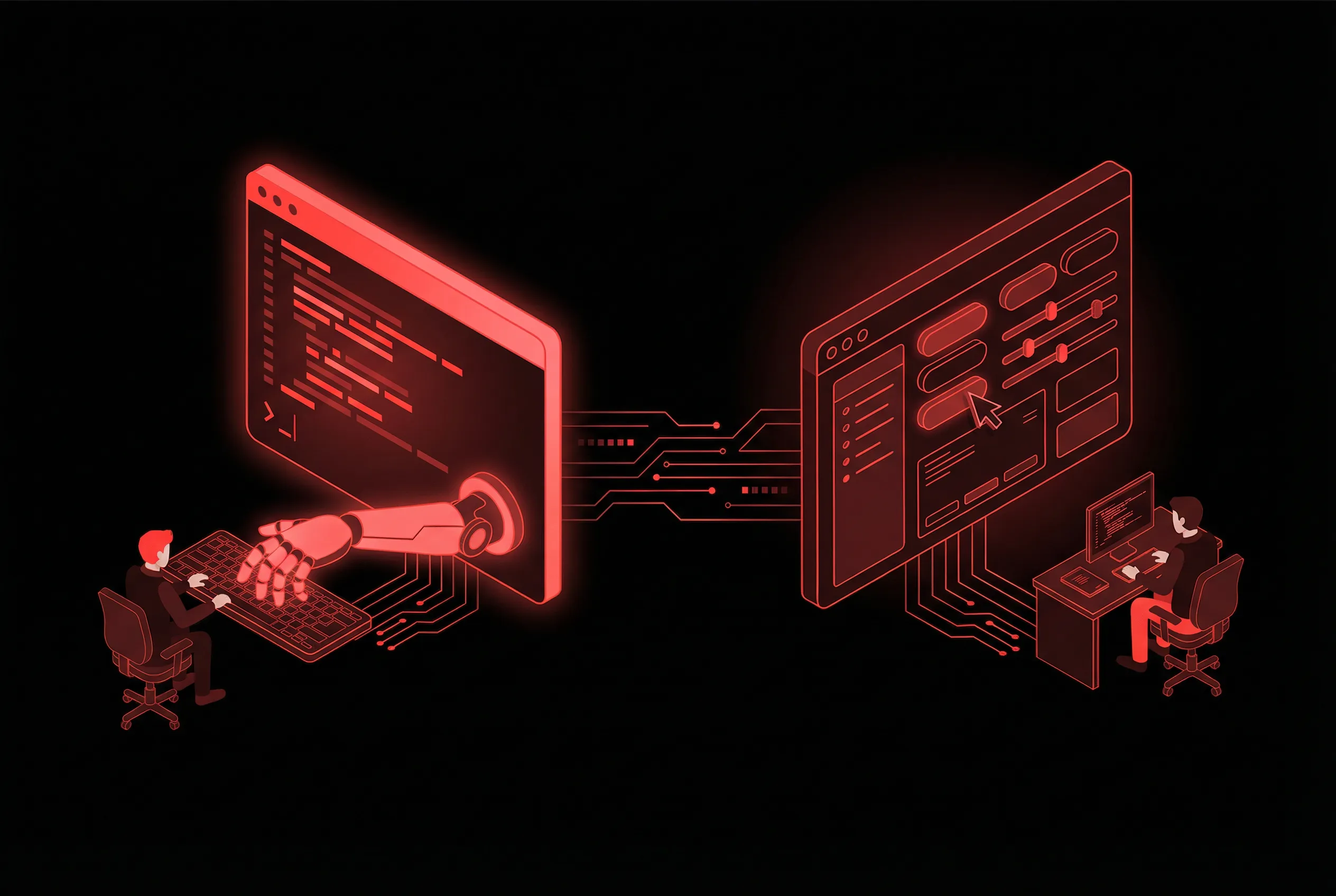
Something odd happened in 2025. After a decade of IDEs getting heavier, browsers becoming editors, and every dev tool growing a web dashboard, developers started moving back to the terminal.
The reason is embarrassingly practical: AI agents need the terminal more than developers do.
I spent the last few weeks pulling together data from Stack Overflow’s 2025 survey (49,000+ respondents), JetBrains’ developer ecosystem report (24,500+ developers), GitHub Octoverse, academic papers, SemiAnalysis reports, and a lot of community discourse on HackerNews, Reddit, and X. The “CLI vs GUI” framing that dominates most takes on this topic turns out to miss what’s actually going on. The split isn’t really about interfaces. It’s about tasks.
The lay of the land
Some numbers to ground things.
69% of developers always keep a terminal open (Warp, 2023). VS Code still dominates at 75.9%. Vim and Neovim combined sit at 38.3% and growing. Neovim has been the most admired dev environment on Stack Overflow for five consecutive years (83%). The two most admired tools in the 2025 survey are both CLI-native: uv (Python package manager) and Cargo (Rust build tool).
On the AI side: 84% of developers are using or planning to use AI tools, up from 76% in 2024. But positive sentiment dropped from 70%+ in 2023 to 60% in 2025. 46% actively distrust AI accuracy versus 33% who trust it. Experienced developers are the most skeptical: lowest “highly trust” rate (2.6%), highest “highly distrust” rate (20%).
So: more people using AI, fewer people trusting it. I kept bumping into that pattern throughout this research.
Why AI pulled developers back to the terminal
AI coding agents need file system access, git, test runners, and network access. The terminal gives them all four natively. An IDE can provide some of this through extensions and plugin APIs, but it always involves an abstraction layer, permission dialogs, and the editor’s own opinions about how files should be organized.
As Firecrawl’s analysis put it: “Developers didn’t switch because they prefer typing over clicking. They switched because IDE-based tools are designed for suggestion and CLI agents for delegation.” That distinction matters. A Copilot tab completion suggests what to type next. A Claude Code session takes over a task and runs with it. Those are different categories of tool, and they work better in different environments.
Claude Code launched in February 2025, went GA in May, and by November hit $1B ARR. SemiAnalysis reported in February 2026 that 4% of public GitHub commits are now authored by Claude Code. Google shipped Gemini CLI (open-source, free tier) in June 2025. AWS rebranded Q Developer CLI to “Kiro CLI” and gave it its own domain. Microsoft launched Copilot CLI in September 2025. Mistral shipped Vibe CLI. Even Snowflake launched Cortex Code CLI in February 2026, a full AI coding agent with native awareness of your data catalog.
Every major platform vendor now ships a standalone agentic CLI. Not a feature inside a bigger tool. A product.
And AI agents aren’t the only thing making terminals more appealing. There’s a quieter trend running in parallel: Rust-based replacements for classic Unix commands. ripgrep instead of grep (10-100x faster), bat instead of cat (syntax highlighting), fd instead of find (saner defaults), zoxide instead of cd (smart directory jumping). VS Code’s own “find in files” runs on ripgrep under the hood. The terminal got genuinely better as a working environment right when AI agents showed up needing one.
It’s not CLI versus GUI. It’s about the task.
The online discourse frames this as a war. CLI people versus GUI people. Terminal maximalists versus IDE loyalists. “Real developers” versus everyone else. Makes for good tweets. Doesn’t match what the data shows.
Coleman et al. (2022) ran the most directly relevant academic study on this question. 60 cloud developers, plus a 4-person observational study. They found that developers prefer CLI for CRUD operations and debugging, but prefer the web console for monitoring and visualization. The researchers specifically noted that task type predicts modality choice more than expertise level does. That contradicts the common assumption that beginners prefer GUIs and experts prefer CLIs.
The sample is small (n=60) and I wish somebody would replicate it at scale. But it lines up with what I keep hearing from practitioners and what I’ve seen internally: in our own developer studies, CLI vs. UI consumption for OpenShift sat at roughly 50/50. Not because half the developers are “CLI people.” Because different tasks pull you in different directions.
The cognitive load tradeoff
There’s a useful framing from cognitive load theory (Sweller, 1988) that I haven’t seen applied to this debate enough.
CLI cognitive load is front-loaded. Learning commands is hard. But once you’ve internalized them, they become automatic. You stop thinking about the interface and just work. And CLI’s composability — piping commands, chaining tools — lets you build complex operations without holding intermediate GUI state in your head. The average person holds about 4 chunks in working memory. CLI commands, once learned, bypass that limit.
GUI cognitive load is constant. You always see the available options, which is great for discoverability — Nielsen Norman Group calls this “recognition over recall.” But you’re also always navigating menus, clicking through panels, scanning for the right button. For someone who uses a tool daily for years, that constant visual overhead adds up. As one NNG analysis noted, “mindlessly decreasing cognitive load often leads to decreased performance” for expert users.
If you use a tool every day for years, you’re better off paying the learning cost upfront. If you touch it once a month, just give me a button to click. This isn’t a philosophical position. It’s basic ergonomics.
Who prefers what, and why
The demographic splits are real but more nuanced than the stereotypes.
Backend, DevOps, and platform engineers lean heavily CLI. Server management, deployment, Kubernetes, Docker, Terraform — the entire infrastructure stack is CLI-native. Frontend developers are mixed: GUI alternatives exist for many tasks, but npm, git, and build tools still run in the terminal. ML/AI engineers live in a split world of Python terminals, Jupyter notebooks, and IDE code. Data scientists are the most GUI-leaning technical role.
The enterprise split is interesting too. SonarSource’s 2026 survey found that smaller companies are more likely to adopt CLI AI tools bottom-up (developers installing things on personal accounts). Larger enterprises adopt GUI tools top-down (IT procurement, platform rollouts). 27% of Cursor usage comes from personal accounts versus 64% on work-sanctioned ones. CLI tools spread through word of mouth. GUI tools spread through purchasing decisions.
The pro-CLI arguments from practitioners tend to center on a few things: token efficiency (a Qodo comparison found Claude Code uses 5.5x fewer tokens than Cursor for identical tasks), context management (IDE sidebars accumulate “context pollution” that degrades response quality, while CLI sessions start fresh per task), and automation (shell scripts, CI/CD pipelines, repeatable workflows). One DevOps engineer I talked to put it simply: “Once AI crosses into CI/CD, it becomes something that can run in the background, triggered by events. That’s a terminal thing, not an IDE thing.”
On the other side: a Builder.io analysis made a fair point that “if you are a visual thinker or love the flow state, Cursor is unbeatable.” Discoverability is real too — you end up Googling what you could have found by clicking a menu. And then there’s the accessibility angle that CLI advocates tend to hand-wave away: a PM with zero coding experience used Claude Desktop to prototype a dashboard. They would have been lost in a CLI. That matters.
What practitioners actually do
The loudest voices on this tend toward maximalism. Boris Cherny went viral (4.4M views) with a 30-day run: 259 PRs, 497 commits, 40K lines added, 38K removed, all via Claude Code in the terminal. Simon Willison hit what he called “parallel agent delirium” — six agents in six terminal windows at once, “surprisingly effective, if mentally exhausting.” I’ve run four at once with tmux and can confirm the exhaustion part.
But the more interesting position is ThePrimeagen’s. He built a Neovim AI plugin that hit #1 on GitHub trending, loves Cursor’s tab completion, and is strongly against committing AI code you don’t understand. Terminal-first, AI-cautious. His philosophy — “AI for people without skill issues” — doesn’t make for viral tweets, but I hear some version of it from most senior engineers I talk to.
The reality for working developers is more boring than either camp suggests. A Faros AI survey of 99 professional developers in January 2026 found that 59% use Claude Code, 52% use Cursor, and 29% run multiple agents at the same time. The dominant workflow is hybrid: CLI agents for complex reasoning and multi-file changes, IDE for daily flow and inline edits. One engineer called it “the escalation pattern.” Start in Cursor. When the task outgrows autocomplete, switch to a terminal agent.
The productivity question nobody wants to answer honestly
The METR study is the elephant in the room. A randomized controlled trial with 16 experienced open-source developers across 246 tasks found that AI tools made them 19% slower on average. Those same developers estimated they were 20% faster. A 39 percentage point gap between perception and reality.
Small sample, and the tools tested (Cursor Pro, Claude 3.5/3.7 Sonnet) are already outdated. I wouldn’t call it definitive. But McKinsey claiming developers complete tasks “up to 2x faster” with generative AI doesn’t square with this data, at least not for experienced developers on codebases they already know.
CodeRabbit’s December 2025 analysis found AI co-authored code has 2.74x higher security vulnerability rates. GitClear found code churn doubled between 2021 and 2024. Some engineers report struggling with tasks that “used to be instinct” after heavy AI tool use. Whether that’s about the CLI or the GUI hardly matters. The tools are making people faster at producing code and possibly slower at producing correct code. That’s true regardless of which interface you use.
77% of professional developers say vibe coding is not part of their professional work (Stack Overflow 2025). Meanwhile, 25% of Y Combinator startups by mid-2025 had codebases 95% AI-generated. These two groups are barely having the same conversation anymore.
(Andrej Karpathy coined “vibe coding” in February 2025. By December he’d flipped from 80% manual / 20% agent to the exact opposite. He also warned of a “slopacolypse” of almost-right code flooding GitHub. The man contains multitudes.)
The lines are dissolving
The three-way split in the market — VS Code forks (Cursor, Windsurf), IDE extensions (Copilot, JetBrains AI), and CLI agents (Claude Code, Aider, Codex CLI, Gemini CLI) — looked neat six months ago. It’s already breaking down.
Claude Code runs inside VS Code now, plus a desktop app, plus a browser-based IDE at claude.ai/code. Cursor shipped a CLI in January 2026. GitHub Copilot CLI defaults to Claude Sonnet 4.5 as its model. Microsoft internally encouraged engineers across Windows, 365, Teams, and Surface to install Claude Code alongside Copilot. Several thousand Microsoft developers now run both.
The old “terminal versus IDE” binary is dissolving into a multi-surface reality where the same underlying models get accessed through whatever interface fits the task. CLI for delegation, GUI for visualization, both wired to the same backend. MCP (Model Context Protocol) is accelerating this convergence — with 97 million monthly SDK downloads and 10,000+ public servers, the same MCP integrations now work across Claude Code, Kiro CLI, Gemini CLI, and Copilot CLI.
I keep thinking about how nobody argues whether git is a “CLI tool” or a “GUI tool” anymore. Most developers use both: git commit from the terminal, branch visualization from a GUI, interactive rebase from whichever one you’re in. The question just stopped being interesting. I suspect agentic AI tooling ends up in the same place — less “which interface” and more “which interface for this particular task.”
The part that’s still genuinely unsettled is the infrastructure underneath. Agent deployment, governance, observability, cost control — all fragmented, all early-stage. That’s where the real competition is heading, but it deserves its own post.
“The preference is task-dependent, not expertise-dependent — a nuance missed by most popular takes.” — Coleman et al., 2022