Interface Follows Task
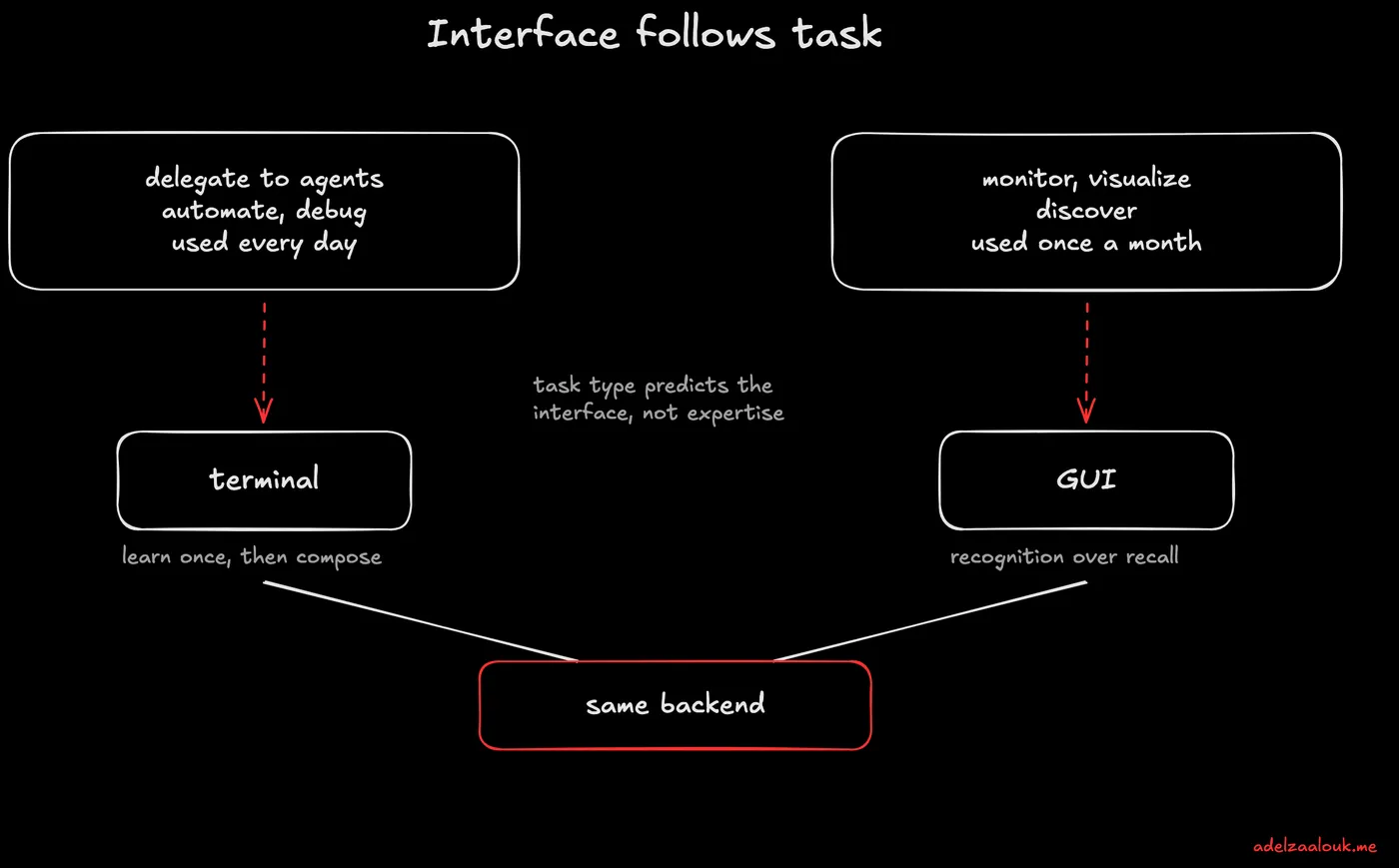
The split is not CLI people versus GUI people. Task type predicts the interface: terminal for delegation and repeated work, GUI for visualization and occasional use.
Contents
Use it when Deciding whether your agent or developer tool needs a CLI, a UI, or both.
The discourse frames it as a war. Terminal maximalists versus IDE loyalists. The data shows something else: the preference is task-dependent, not expertise-dependent.
- CLI wins for CRUD operations, debugging, automation and delegating work to agents.
- GUI wins for monitoring, visualization and discoverability.
Why AI pulled developers back to the terminal. IDE tools are designed for suggestion; CLI agents for delegation. Agents need file system, git, test runners and network, and the terminal gives them all four natively.
The cognitive load tradeoff. CLI load is front-loaded: hard to learn, then automatic and composable. GUI load is constant: recognition over recall, but always navigating menus. Use a tool every day for years, pay the learning cost upfront. Touch it once a month, give me a button.
The lines are dissolving. Same models, many surfaces: CLI for delegation, GUI for visualization, both wired to the same backend. Like git, the question stops being “which interface” and becomes “which interface for this task.”